Sanity Media Library vs. Media Plugin: Which One Do You Actually Need?
Sanity Media Library comes up a lot in enterprise CMS conversations. Sometimes teams discover it during their own research, sometimes it's part of a Sanity sales conversation, sometimes an agency like ours brings it up during implementation planning. However you got here, the question is usually the same: is this worth the additional investment, or is the standard media management sufficient?
I've helped teams work through this decision in both directions. The answer depends on where your organization actually is today and what your content operation looks like.
What's Already Included
It helps to start with what Sanity's enterprise platform gives you without Media Library.
Sanity's core platform includes media management. Image and file storage, CDN delivery, on-demand image transformations (resize, crop, format conversion, quality adjustment), hotspot and crop controls, automatic metadata extraction, and reference tracking across your content. For standard website asset needs, this handles storage and delivery. You don't need to bring in S3, Cloudflare Images, or Cloudinary alongside Sanity.
Where the standard experience falls short is how editors browse and organize assets inside the Studio. The default asset picker is a file upload dialog with drag-and-drop. No folders, no tags, no visual grid, no filtering by type or usage, no saved searches. If an editor needs to find an image uploaded three months ago, they're scrolling through a chronological list.
For context, other enterprise headless CMS platforms include more here out of the box. Contentful ships with folder organization, built-in tagging, keyword search, filtering by file type and publish status, and saved search views. Storyblok includes a native digital asset manager with nested folder hierarchies, tagging, multi-faceted search, bulk operations, and custom metadata fields.
Sanity's asset infrastructure is strong. The browsing and organization experience is where it needs help. That's the problem both Media Library and the Media Plugin solve, in different ways.
The Free Option: sanity-plugin-media
Worth mentioning here: sanity-plugin-media is Sanity's official open-source plugin for asset browsing in the Studio. It closes a significant portion of the gap I just described, and it's included at no additional cost.
What it adds to the standard experience:
- Visual asset browser. Grid and table views with virtualized rendering that handles thousands of assets. This alone transforms the editing experience.
- Tagging. Tag assets individually or in bulk, manage tags in the interface, filter by tags.
- Multi-faceted search. Filter by tags, usage status, file size, orientation, and file type. Text search across title, description, and alt text.
- Batch operations. Drag-and-drop bulk uploads, bulk select and delete, bulk tag assignment.
- Audio and video previews directly in the browser.
It installs in minutes and immediately brings the Sanity asset experience closer to what Contentful and Storyblok offer natively. For a content team of 2-15 people with a moderate asset library (hundreds to low thousands of assets), this handles the job well. Most Sanity projects we work on include it regardless of whether Media Library is also in the picture.
What Media Library Adds
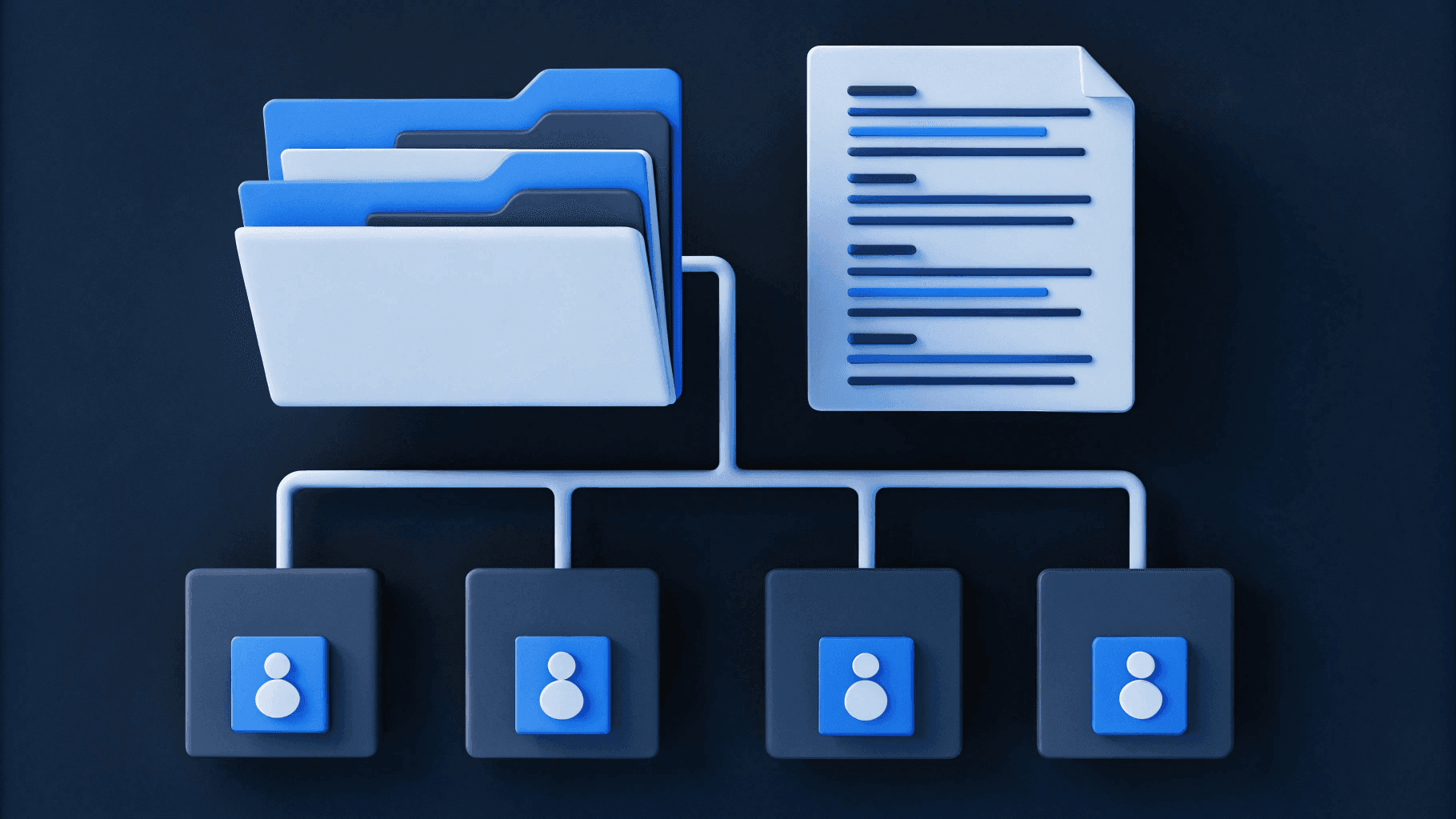
Media Library is an enterprise-only, paid add-on. It operates at the platform level, not the Studio level. It doesn't replace the built-in media manager or the Media Plugin. It adds an organizational and governance layer on top.
Conceptually, it's closer to a lightweight DAM (think Bynder, Air, Brandfolder) than to the Media Plugin. Sanity doesn't position it as a full DAM, but that's the category it most closely aligns with.
What you get:
- AI-powered search. Semantic image analysis that automatically extracts subjects, scenes, colors, and concepts. Editors search by what's in the image, not by what someone remembered to name the file. This is the headline capability, and it's genuinely useful. As your asset library grows into the thousands, the difference between manual tagging and AI-driven discovery is the difference between editors finding what they need in seconds vs. giving up and uploading a duplicate.
- Custom metadata schemas ("Aspects"). Code-defined fields for usage rights, copyright, approval status, product references, campaign associations. Whatever governance metadata your organization needs, you define it in the schema and it enforces consistency. This is where Media Library starts acting like a DAM.
- Rights and governance. License terms, expiration dates, approved territories stored directly on the asset. Role-based access control and authenticated delivery for sensitive assets.
- Cross-project sharing. Upload once, reference across multiple Sanity projects. If your organization runs separate projects per brand or region, this is the single-source-of-truth architecture that prevents duplication.
- Usage tracking. See which assets are actively referenced vs. orphaned at a platform level.
- Automation triggers. Hook into asset upload, update, or deletion events to drive downstream workflows.
Media Library requires upfront schema design work. The AI search works immediately, but the governance capabilities (aspects, rights tracking, cross-project sharing) need developer time to configure properly.
Deciding Whether Media Library Is Worth It
The Media Plugin and Media Library solve problems at different scales. The decision comes down to which set of problems matches where your organization is today.
The Media Plugin addresses the "finding and organizing assets is painful" problem. If editors are frustrated with the default picker, uploading duplicates because they can't find what already exists, or relying on naming conventions that nobody follows consistently, the Media Plugin handles that well.
Media Library addresses the "managing assets at organizational scale" problem. AI search that understands image content. Structured metadata that enforces governance. Cross-project sharing that eliminates duplication across brands or regions. These capabilities become valuable when your asset library is large enough and your organizational complexity is high enough that manual organization starts to break down.
The question is whether your organization is at that second threshold today, or whether the Media Plugin covers what you need for the foreseeable future.
Where Media Library tends to be worth it
- Your asset library is already in the thousands and growing. Editors are spending real time searching for assets they know exist. AI search reduces that friction in a way that manual tagging alone doesn't fully solve.
- Multiple teams or brands are reusing the same assets and you're seeing duplication across projects. Cross-project sharing helps maintain consistency.
- You have governance requirements around usage rights, licensing, or approval status that need to be enforced at the asset level.
- Your content operation is scaling. More editors, more assets, more reuse. Media Library tends to get more valuable over time as volume increases. If you're on a trajectory where the asset library will grow significantly in the next year, it can be easier to start with the governance architecture in place than to retrofit it later.
Where teams typically hold off
- The team is small and the asset library is manageable. If editors can find what they need with the Media Plugin's tagging and search, AI-powered discovery may not be necessary yet.
- You're in year one of your Sanity implementation and still building out the content model and component library. Media Library can be added to a future contract renewal when the asset volume justifies it.
- Your assets are primarily used within a single Sanity project with no cross-project sharing requirement. A meaningful portion of Media Library's value is in multi-project governance.
One consideration worth noting: if the budget is constrained and the choice is between Media Library and investing in getting the core Sanity implementation right (content modeling, component development, editorial workflows), the implementation work tends to have more impact. Media Library makes a good implementation better, but it works alongside a solid foundation, not in place of one.
What Neither Option Replaces
Even with both Media Library and the Media Plugin in place, there are capabilities that require either custom development or a dedicated DAM:
- Multi-stage approval workflows. Neither ships with configurable approval chains for assets.
- Self-service brand portals. Distributed teams who need to browse and download approved assets without Sanity Studio access won't find that out of the box.
- Automated rights expiration. Media Library stores rights metadata, but notifications and automated enforcement require custom work.
- Asset relationship mapping across campaigns, channels, and the full marketing operation.
For organizations with these requirements, a hybrid approach tends to work well: a dedicated DAM (Bynder, Air, Brandfolder) as the system of record for governance and brand operations, with Sanity handling content-specific assets and web delivery. The two sync through API integration.
The Short Version
The Media Plugin is worth adding to any Sanity project. It's free, it takes minutes, and it meaningfully improves the asset experience in the Studio.
Media Library is a worthwhile investment for organizations where asset volume, team size, and governance needs have reached the point where manual organization and basic tagging aren't keeping up. For teams earlier in their Sanity journey, it's a reasonable line item to revisit at a future contract renewal.
If you're working through a Sanity evaluation and want a second perspective on what makes sense for your situation, we're happy to talk through it.

I founded Webstacks to help B2B tech companies build websites that actually perform. I'm passionate about bridging strategy, design, and engineering to create scalable web experiences.